
Scan your WOD, start the clock
No WOD today?
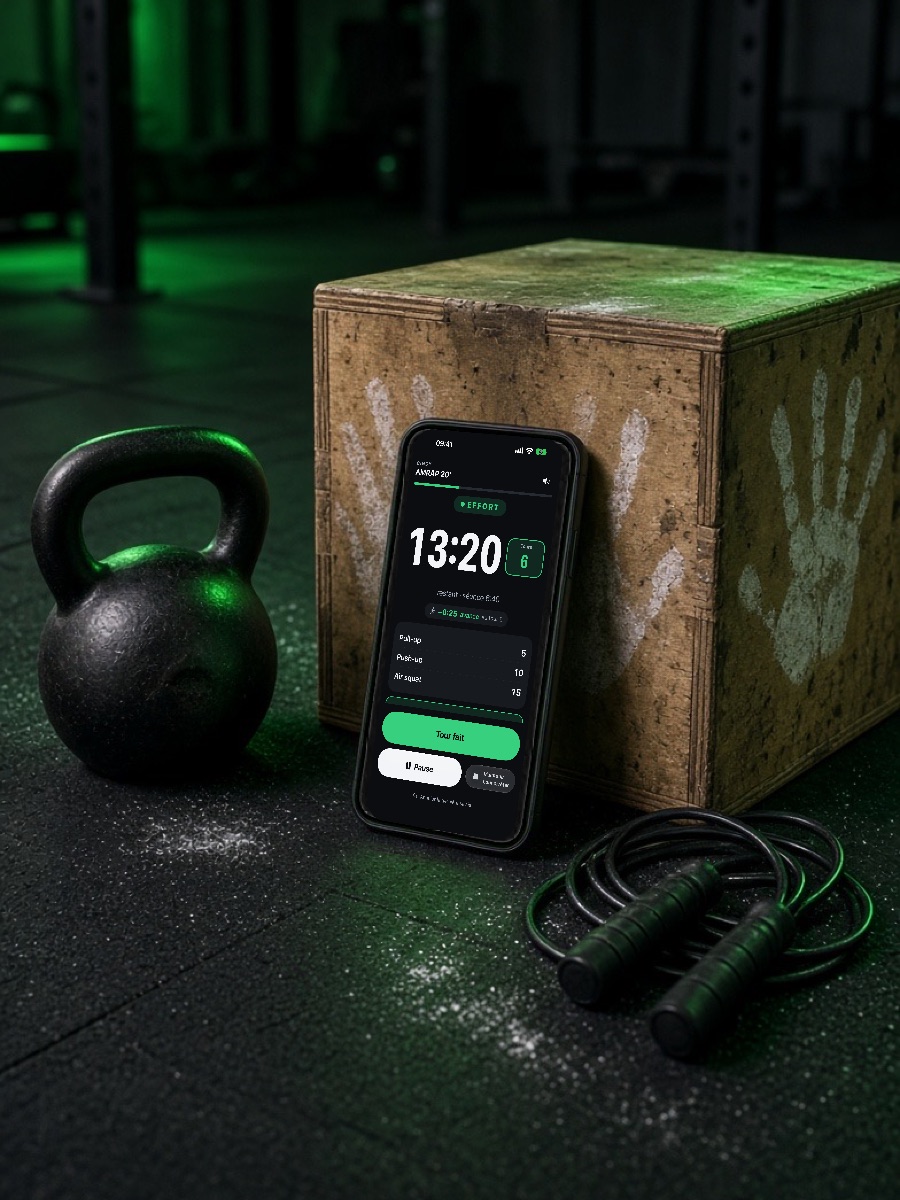
Every Monday, a new WOD of the week, free, adapted to your level, on the app's home screen and as a widget. And the catalog: over 60 WODs ready to start, by duration, target and equipment (with Premium, three free).
As a team

A WOD for two, three or more (with Premium): BoxPilot reads the scales for each team mix, the relays, the synchro and the rotations, and times the workout for everyone.
A question, a problem?
Write to mikael.cohen@me.com. For a whiteboard read wrong, attach the photo or the text: that's what helps the reading improve the most.
Frequently asked questions
The whiteboard was read wrong. What can I do?
After each import, the check screen shows you what was understood. Lines that are certain are checked in green; the others ask you a simple question. You can also change a part's format, merge or split parts, and edit each line before you start the workout.
Are my photos sent anywhere?
Only if you accept the AI reading, and only the cropped photo of the whiteboard. Otherwise, everything is read on your iPhone. The details are on the Privacy page.
Does the app work offline?
Yes. The clock, the history and the on-device reading work offline. Only the AI reading of photos needs a connection.
How do I use Apple Watch?
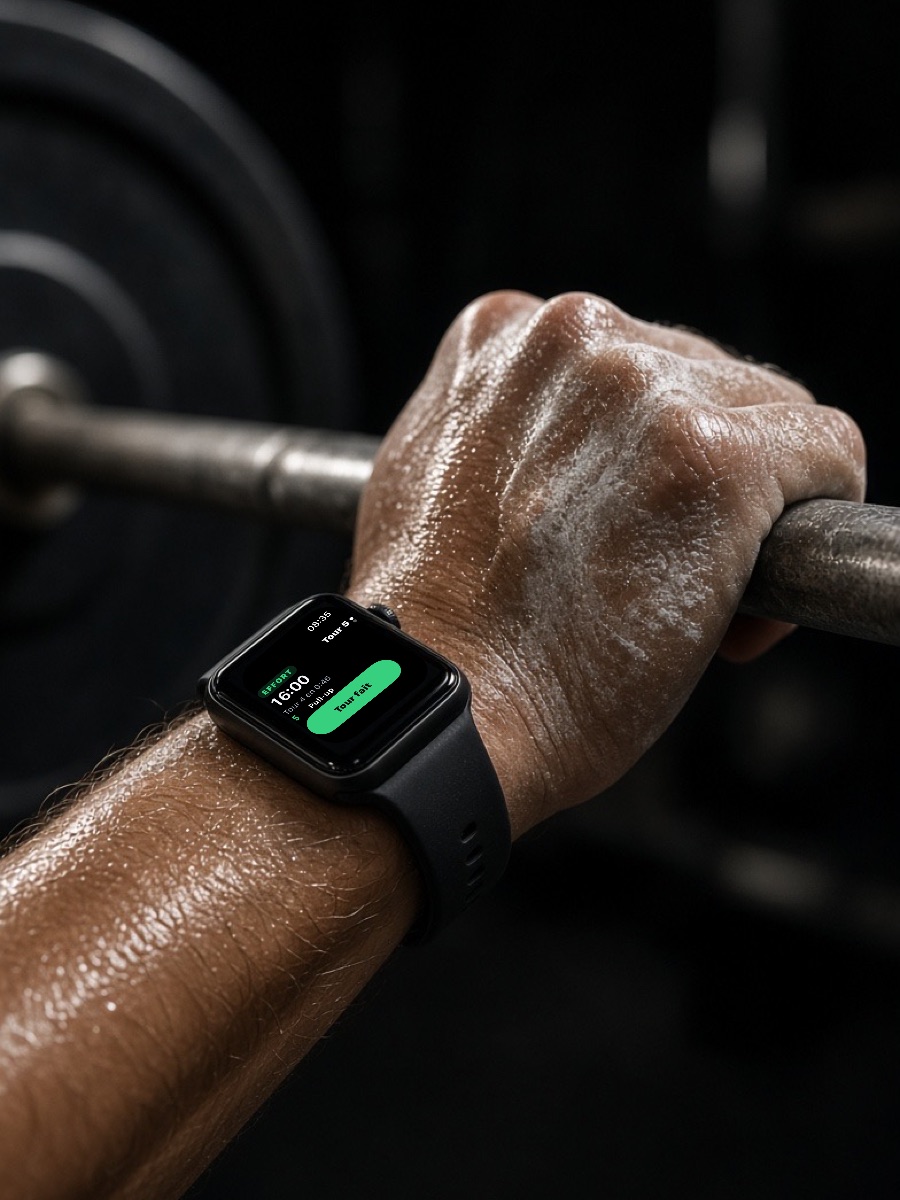
On a WOD's page, tap “On the Watch”: the app opens on your wrist and the workout starts. Your iPhone shows the same workout and can take it over if the Watch goes out of range.
How do I manage or cancel my subscription?
In BoxPilot: Settings › Subscription › Manage subscription. Or in the iPhone's Settings app › [your name] › Subscriptions. To get a purchase back on a new device: Settings › Subscription › Restore purchases.
I have a code from my box
On the Premium screen, tap “I have a code from my box” and enter the code your coach gave you.
Finding my sessions on another device
With iCloud turned on on your devices (same account), your WODs and your history sync automatically.